My meetings
All your meeting notes in one place.
Overview
My meetings is where you find every note you've recorded, plus anything other people have shared with you. Click My meetings in the sidebar to open it.
The page has two tabs:
- My meetings - notes you've recorded
- Shared with me - folders and meeting summaries other people have shared with you
My Meetings Tab
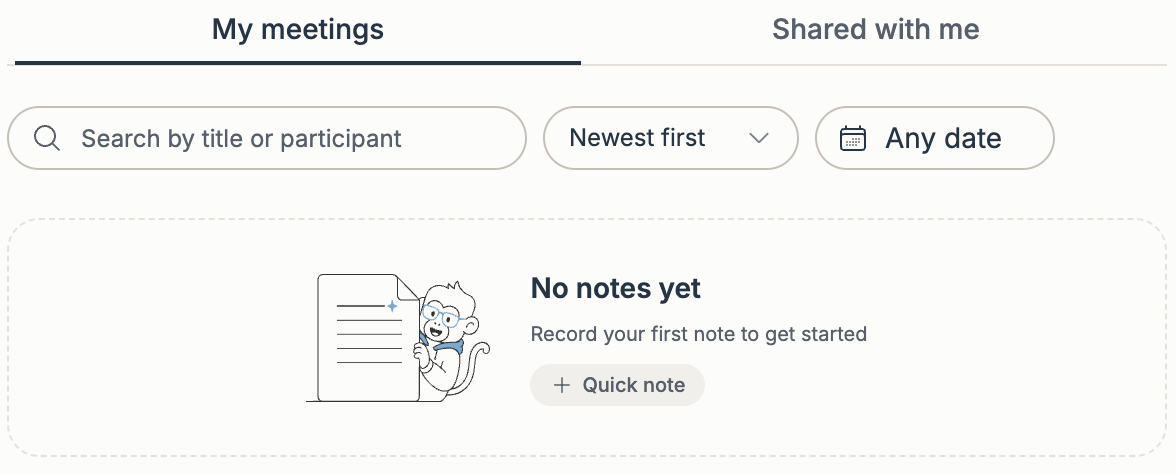
This tab lists all the notes you've recorded. At the top you'll find three tools to help you find a note:
- Search - type a meeting title or a participant's name
- Newest first - change the order your notes are listed in
- Any date - show notes from a certain date
Your notes are grouped by day - for example, Tue, Sep 22. Each note shows its title, the time it was recorded and who was in it.
When you haven't recorded anything yet, this tab says "No notes yet". Click Quick note to record your first note.
Note Preview
When you select a note, a card on the right shows its title, date and time. If the note doesn't have a summary yet, click Summarize to create one.
Note Menu
Hover over a note and click the three dots on the right to open its menu:
- Copy link - copy a link to the note and choose who can open it
- Share - add people to the note and manage who has access
- Add to folder - put the note in one or more folders
- Delete note - remove the note
Copy a Link
When you click Copy link, pick who the link works for:
| Option | Who can open it |
|---|---|
| Anyone with the link | Anyone on the internet |
| Everyone at your company | Anyone signed in with an email from your company, for example yourcompany.com |
| Only people added | Only people you added to the note |
Share a Note
1. Open Share
Click the three dots next to a note, then click Share. The Share notes window opens.
2. Add people
Search for people by name or email. Everyone who can open the note is listed under People with access, along with their role - for example, Owner.
3. Choose link access
Under Link access, pick Anyone with the link, Everyone at your company or Only people added.
Add to a Folder
1. Open Add to folder
Click the three dots next to a note, then click Add to folder.
2. Pick your folders
Search for a folder and select it. You can pick more than one. If you don't have any folders yet, click Create new folder.
3. Save
Click Save to apply your changes, or Cancel to close without saving.
Shared with Me
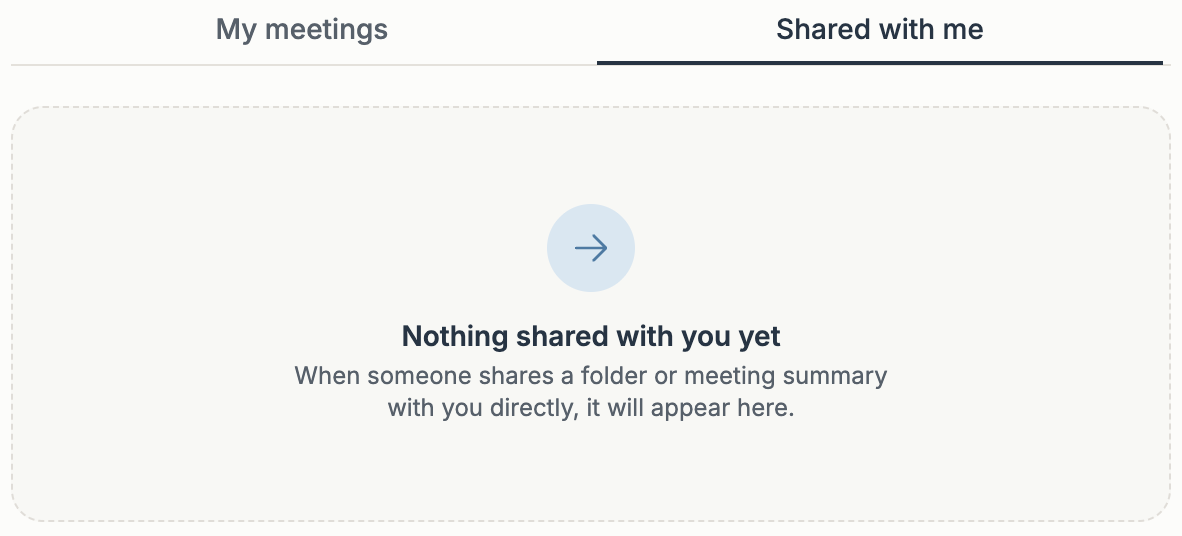
When someone shares a folder or a meeting summary with you directly, it shows up in this tab.
- Search - type to find something a teammate shared with you
- People - notes shared with you by other people
- Organization - notes shared with everyone at your company
Shared notes are grouped by day. Each one shows its title, the time it was recorded and who was in the meeting.
If nothing has been shared with you yet, you'll see "Nothing shared with you yet".
Tips
- Search by a participant's name to find every meeting you've had with them
- Use Any date to jump to meetings from a certain day
- Choose Only people added when a note has private details
- Check Shared with me when a teammate says they've sent you a summary