Billing history
Invoices and successful top-ups, all in one place.
Overview
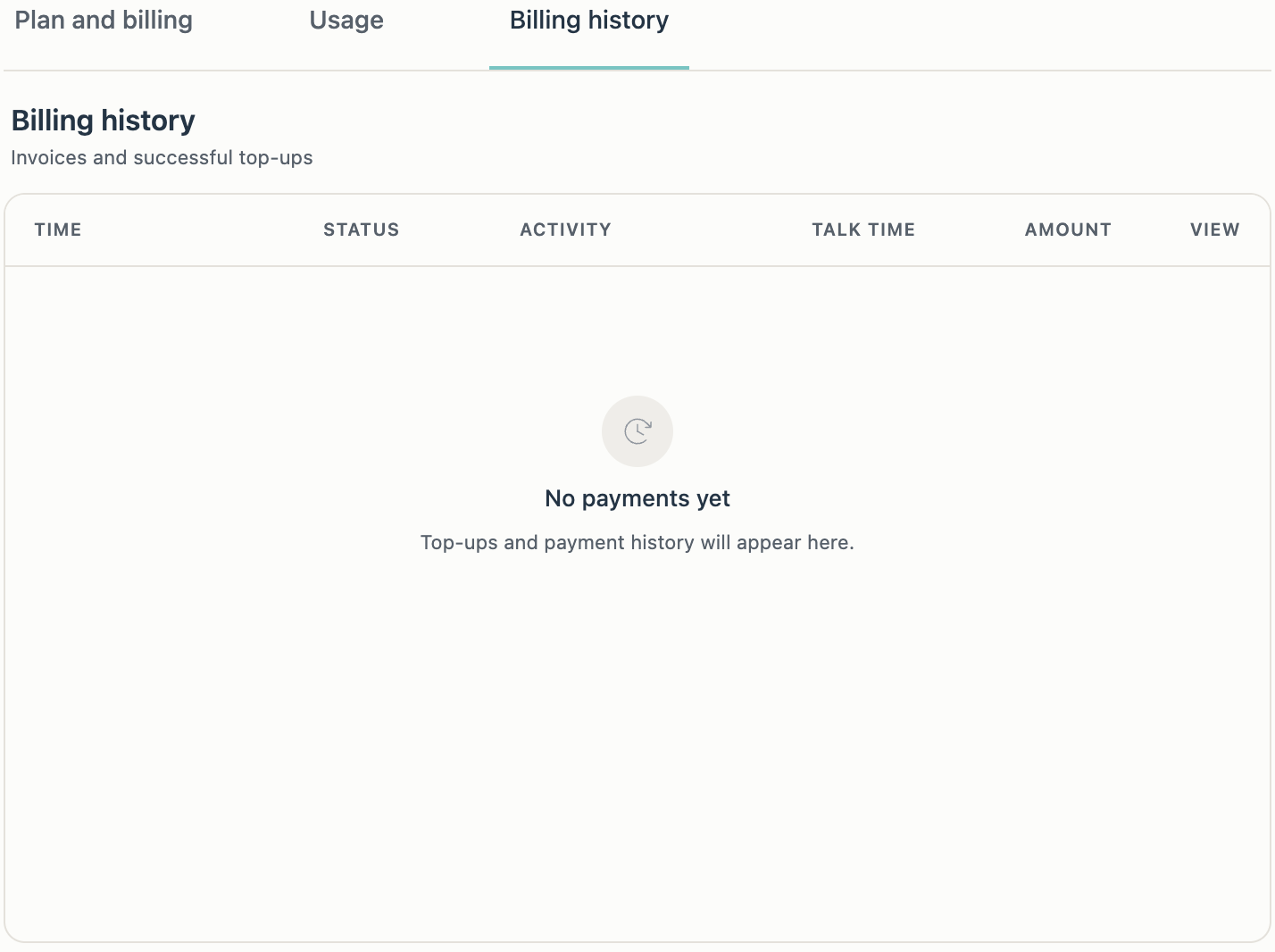
The Billing history tab lists every top-up you make for Lungoor Voice, along with its invoice. Open it from the tabs at the top of the billing section, next to Plan and billing and Usage.
Reading the Table
Each payment shows up as one row with these columns:
- Time - when the payment was made
- Status - whether the payment went through
- Activity - what the payment was for
- Talk time - how much talk time you got
- Amount - how much you paid
- View - open the invoice for that payment
When You Haven't Paid Yet
If you haven't made a payment yet, you'll see "No payments yet" with the message "Top-ups and payment history will appear here". Once you top up, your first payment will show up in the table.
Need Help With a Payment?
If you have a question about a payment, email [email protected].
Tips
- Top up from the Plan and billing tab - the talk time you buy never expires
- Check Billing history after a top-up to make sure your payment went through
- Use the View column to open an invoice whenever you need it